
 ← All posts
Website building
How to translate a FoxCoreCMS website
Language versions, translated fields, and connections between pages in one workflow.
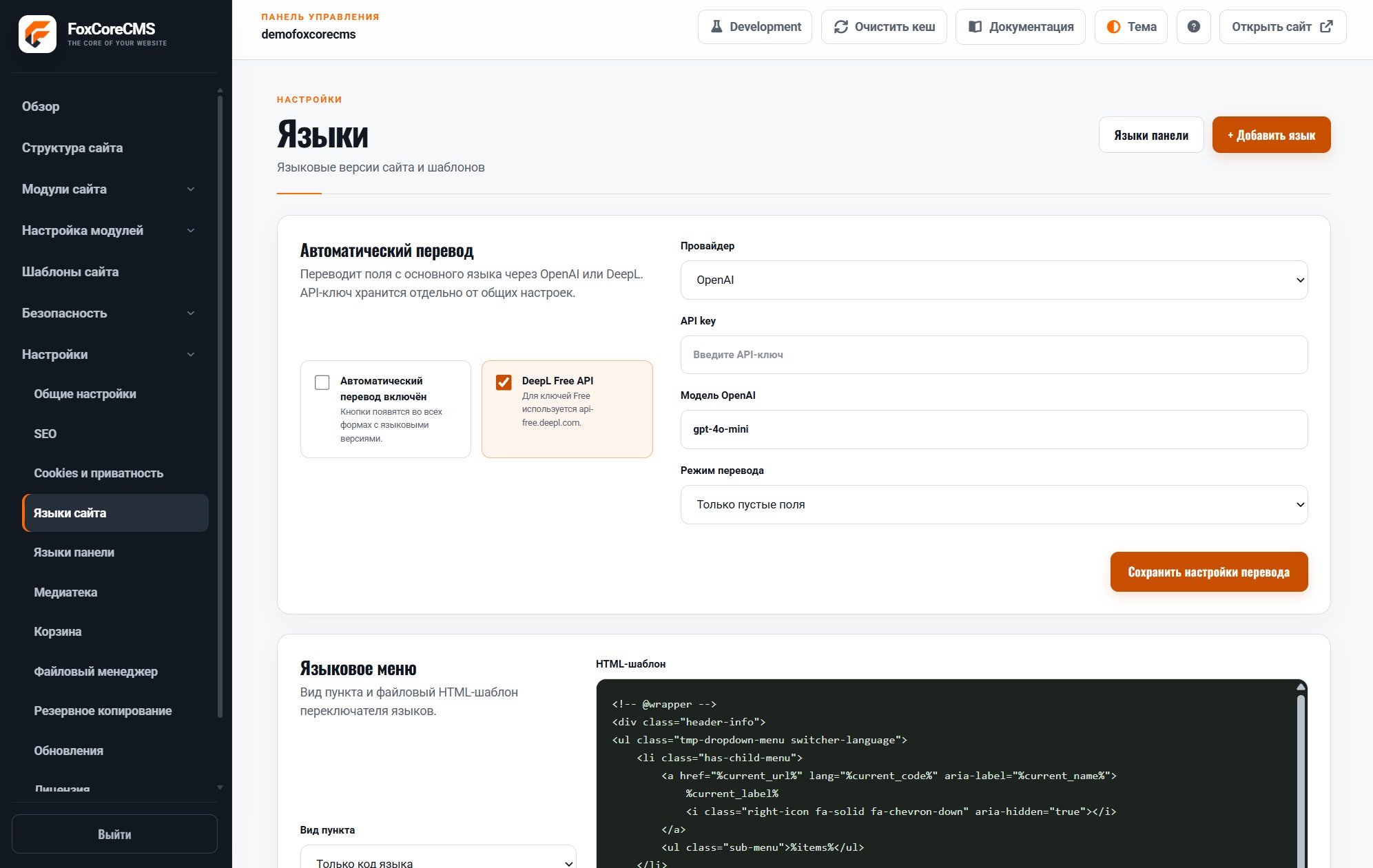
Add the language
Site language settings let you enable versions and select a default language. Editors then complete translatable page and content fields in language tabs. Each version can have its own URL, which makes addresses clear and lets you edit versions independently.
Review before publishing
Check navigation, button labels, metadata, and links after translating. The system outputs hreflang alternatives when corresponding pages exist. Always review machine-generated drafts: product terminology and calls to action should sound natural in every language.