

MODULES

Portfolio

Show completed projects in a catalog with detailed pages and photography.

Back to modules
Included with the systemNo separate catalog listing at present
FoxCoreCMS
01 / FOXCORECMS

Overview

What it does

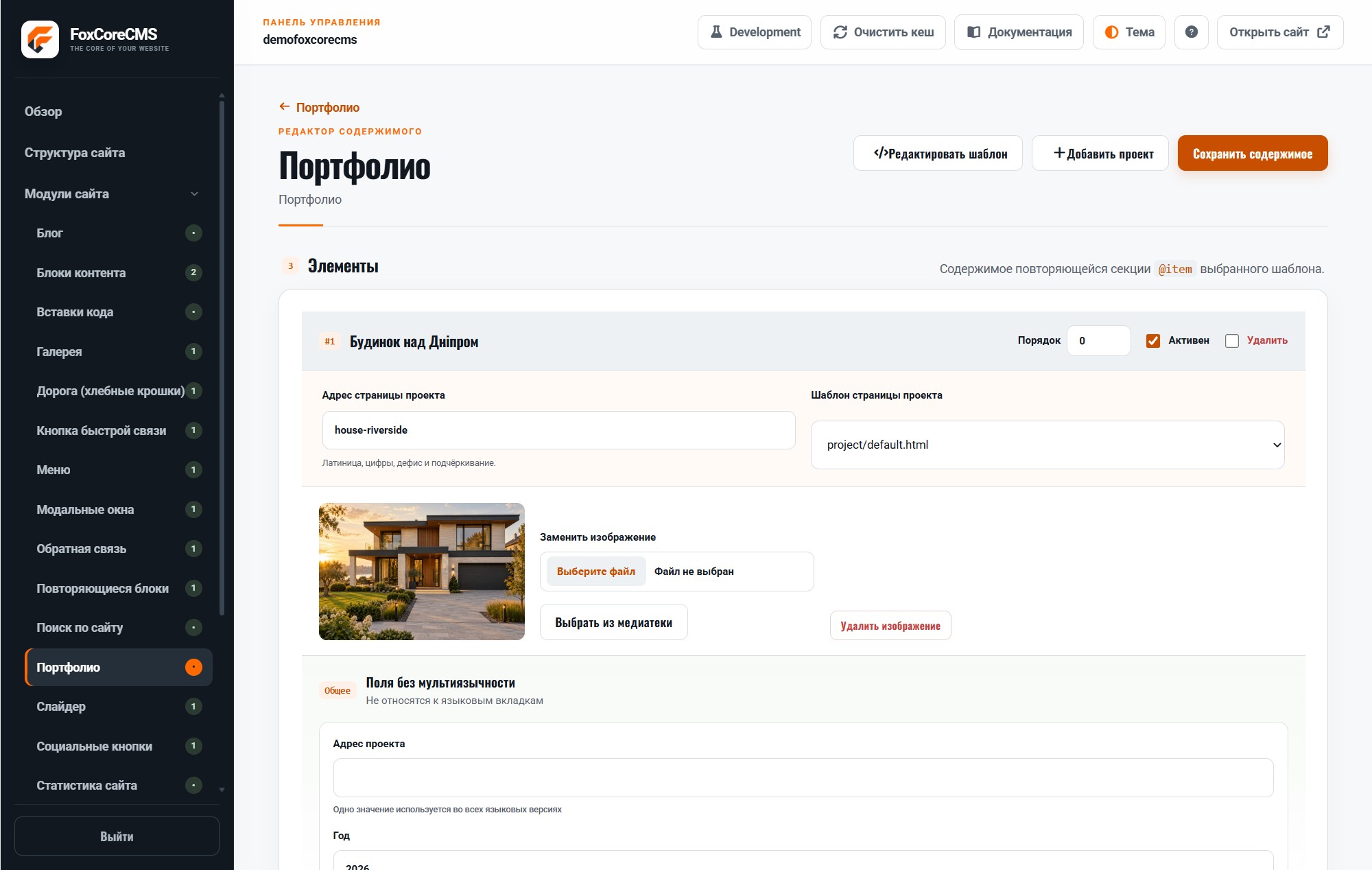
Give each project its own description, images, and page so visitors can move from a card to the full story.

Where it helps

A good fit for studios, builders, agencies, and service businesses that need to show tangible results.

Example from the demo template

This is a real placeholder from the FoXBuilder design. The system fills it with module output or current-page data; configurable instance labels are set in the admin panel.

<main>[#portfolio#]</main>
02 / FOXCORECMS

Where it helps

Agency work, studio projects, completed properties, and case studies.

03 / FOXBUILDER

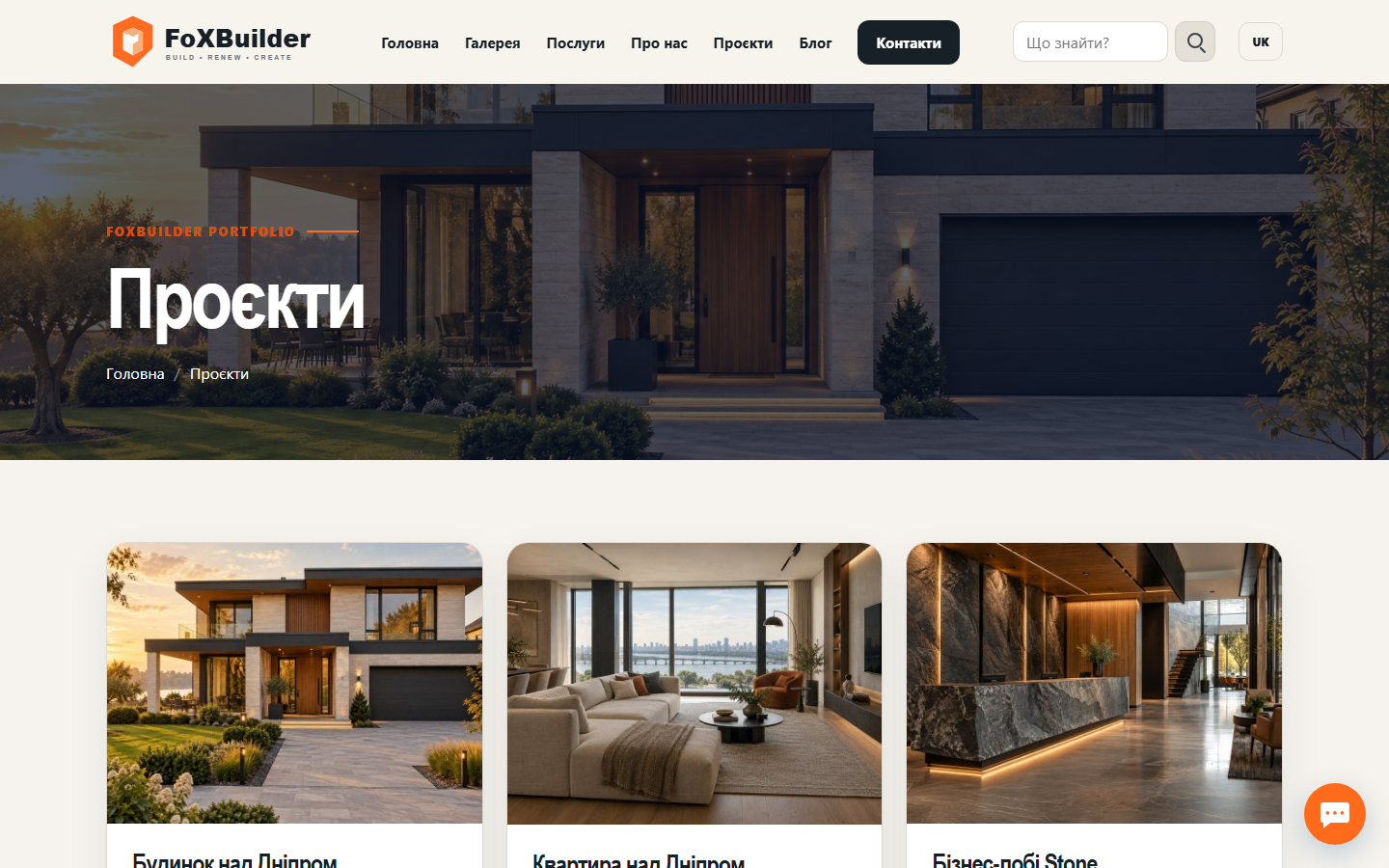
FoXBuilder demo example

FoXBuilder shows projects on its home page and a full portfolio on a dedicated page.

How to build it

  1. Create a module instance and choose its HTML template.
  2. Place [#home_projects#] in the page template and bind the instance.
  3. Fill in content in the required languages.
  4. Open the demo page and check the result.

Template code

modules/portfolio/templates/grid.html

<!-- @wrapper -->
<section class="foxcore-portfolio"><div class="foxcore-portfolio__grid">%items%</div></section>
<!-- @item -->
<article class="foxcore-portfolio-card">
  <a href="%url%">%image_block%</a>
  <h2><a href="%url%">%name%</a></h2>
  <p>%description%</p>
</article>

Page-template label

[#home_projects#]