

MODULES

Page header

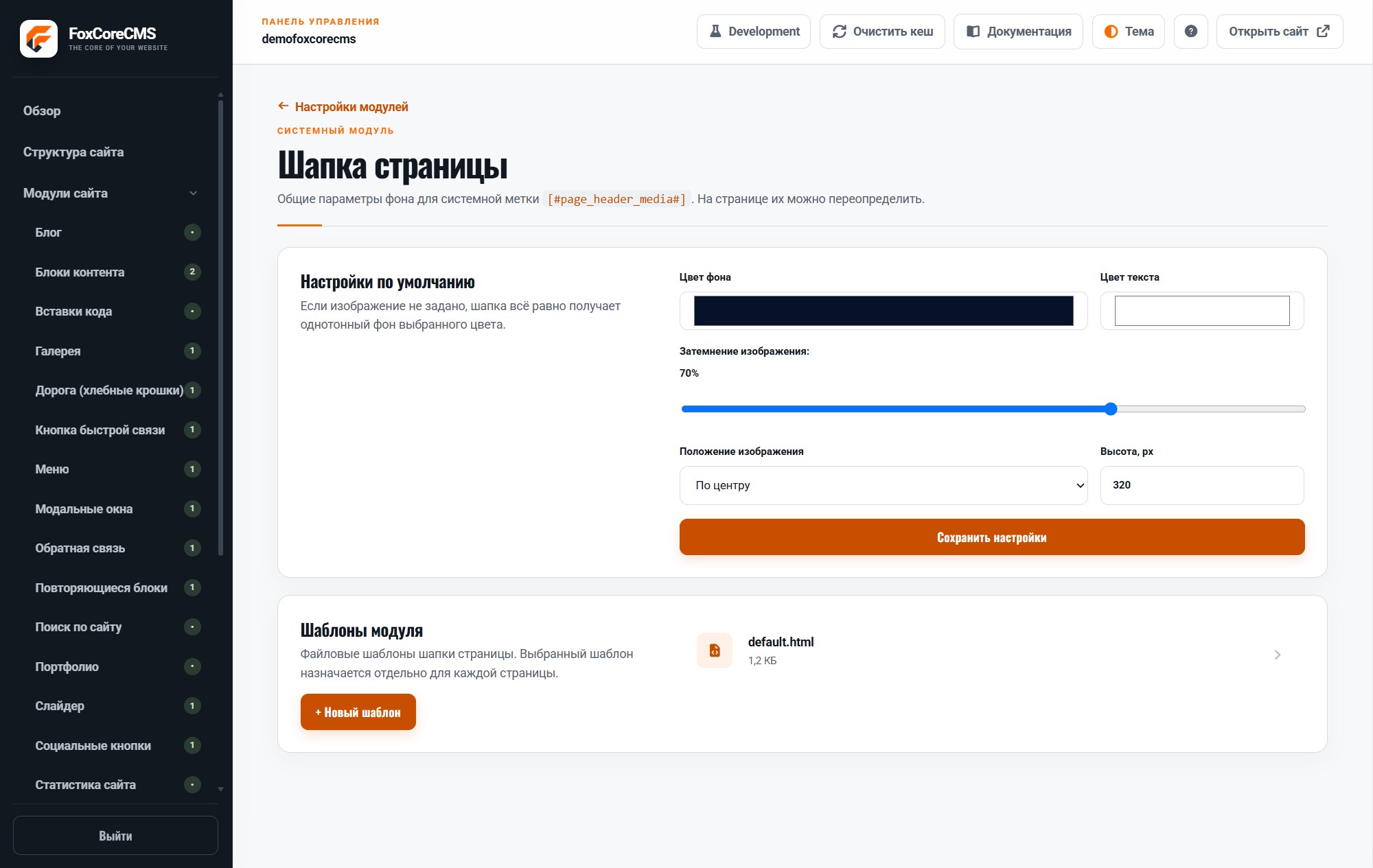
Give each page header a background image and visual settings.

Back to modules
Included with the systemNo separate catalog listing at present
FoxCoreCMS
01 / FOXCORECMS

Overview

What it does

Choose an image, overlay, and position. Nested pages can inherit the settings of a parent page.

Where it helps

Keep a section visually consistent while overriding individual page covers where needed.

Example from the demo template

This is a real placeholder from the FoXBuilder design. The system fills it with module output or current-page data; configurable instance labels are set in the admin panel.

<section class="page-hero">[#page_header_media#]</section>
02 / FOXCORECMS

Where it helps

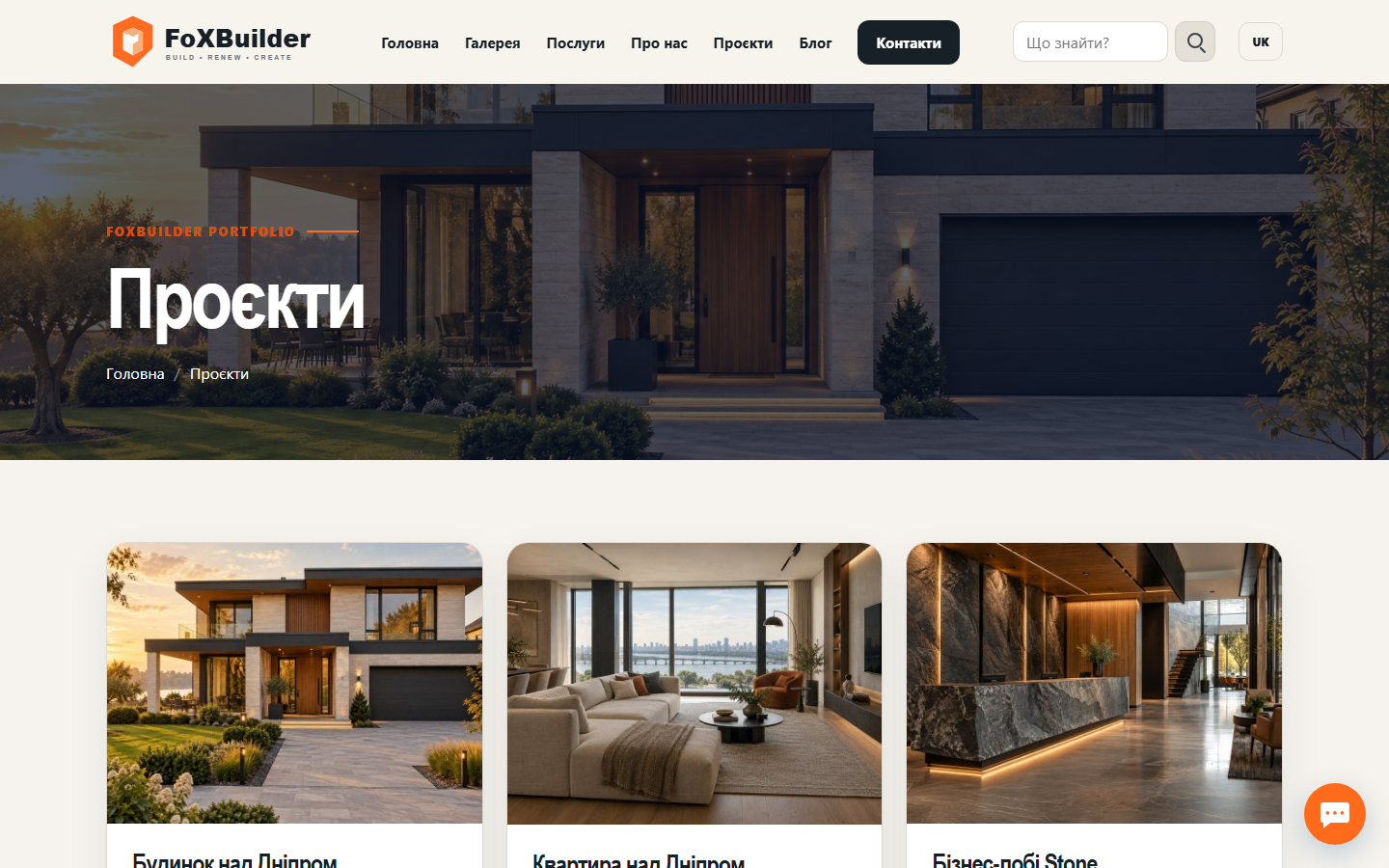
Consistent page-title design with a custom background per page.

03 / FOXBUILDER

FoXBuilder demo example

An inner FoXBuilder page takes its header background from page settings.

How to build it

  1. Create a module instance and choose its HTML template.
  2. Place [#page_header_media#] in the page template and bind the instance.
  3. Fill in content in the required languages.
  4. Open the demo page and check the result.

Template code

modules/page_header/templates/default.html

<div class="page-header-media" style="--page-header-position:%position%;--page-header-overlay:%overlay%;">
  %background_media%
  <span class="page-header-media__overlay" aria-hidden="true"></span>
</div>

Page-template label

[#page_header_media#]