
A clear path from idea to live website
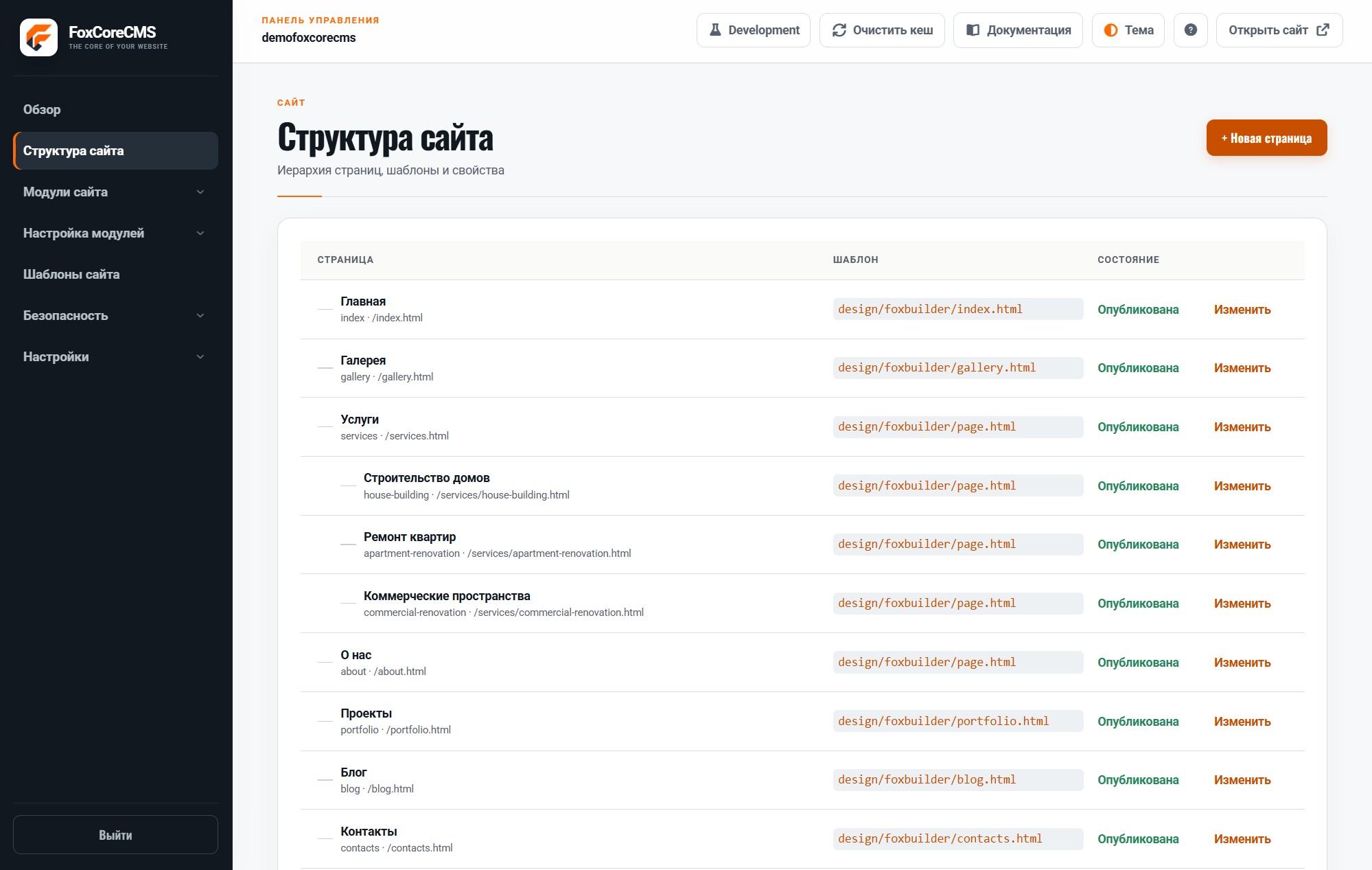
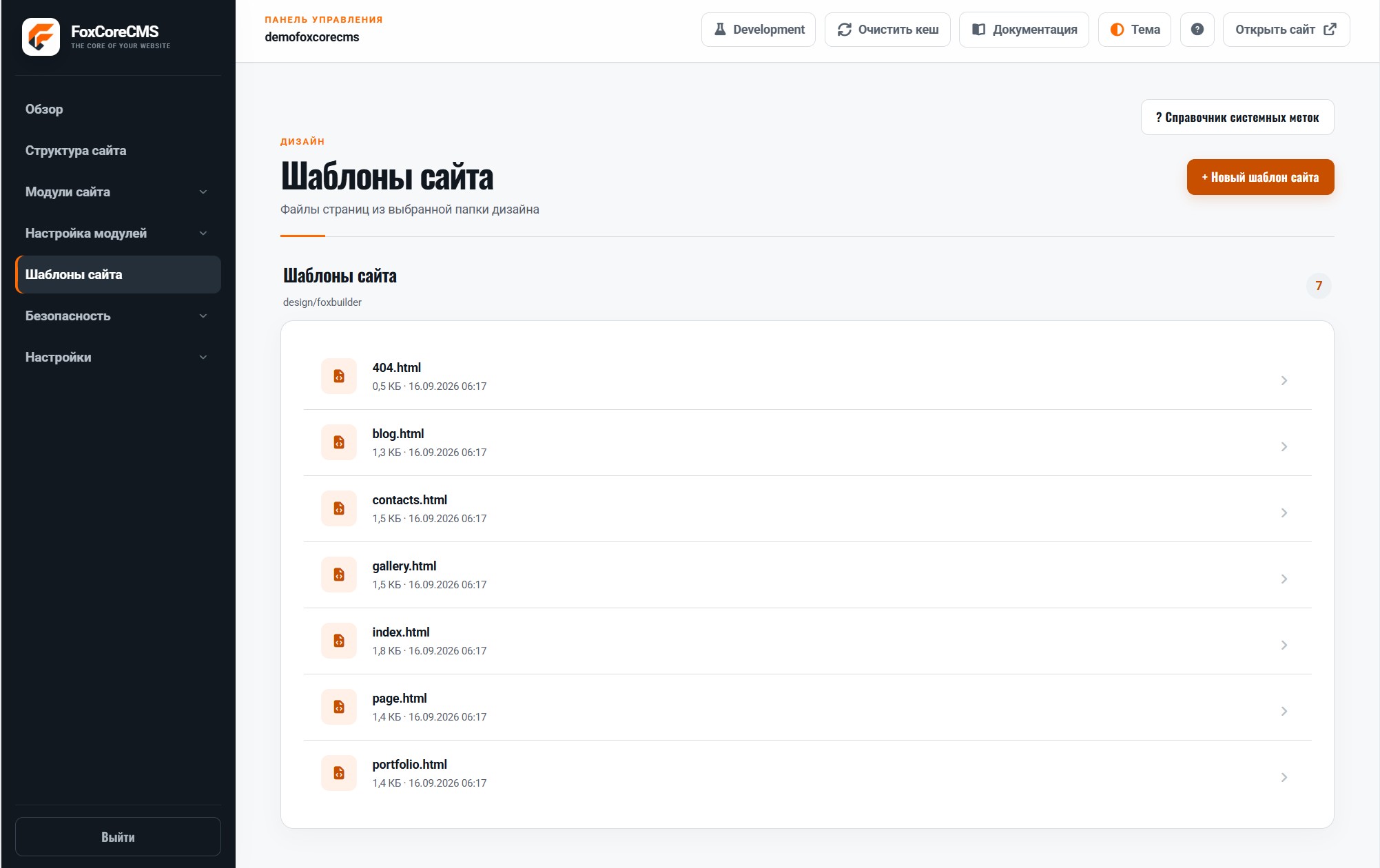
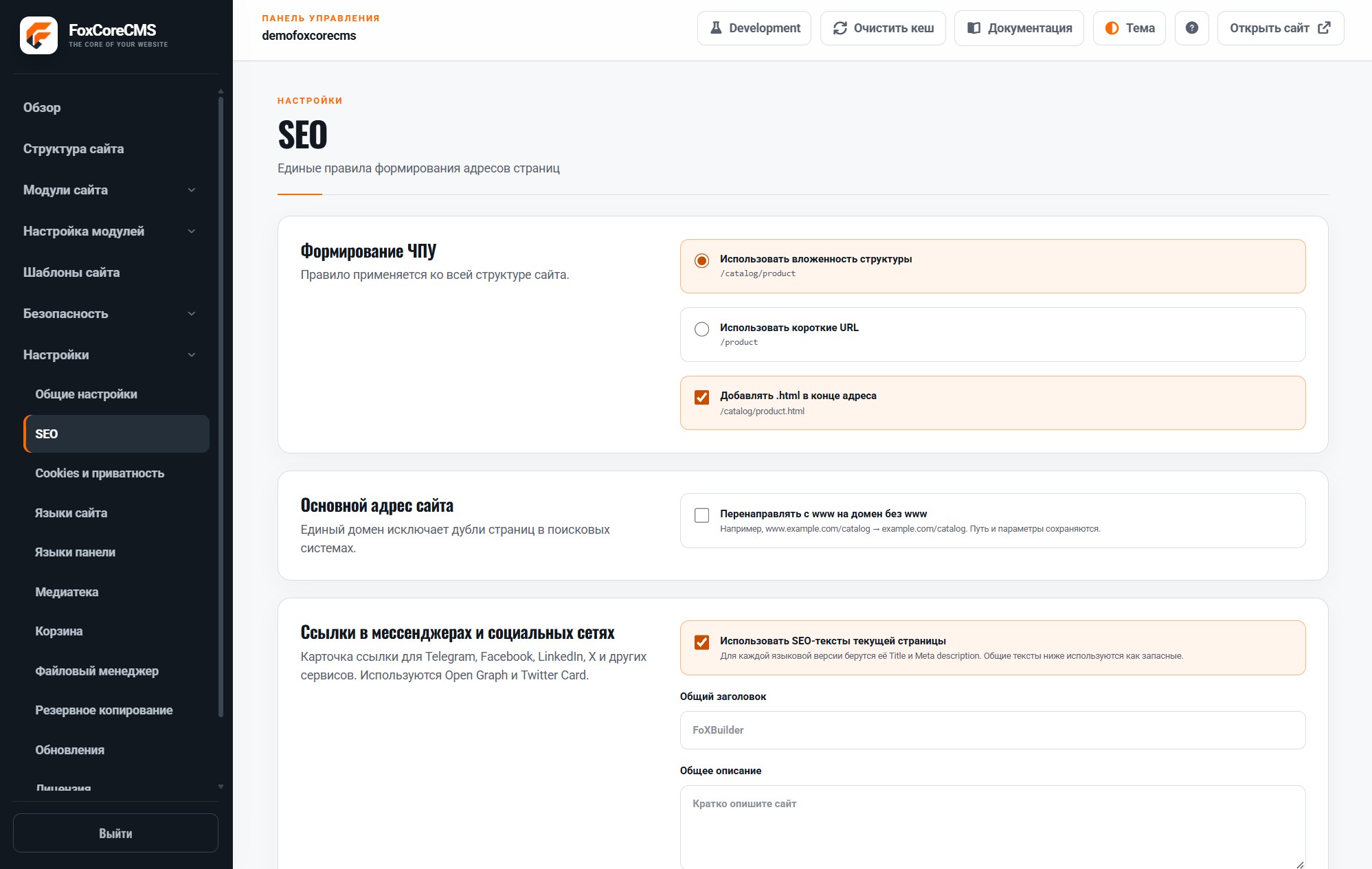
Start with the structure: create top-level and nested pages, choose templates, and set URLs. Add modules where you need a blog, gallery, forms, search, or portfolio. Fill pages with text and images in the control panel, check the mobile layout, and publish.
Practical for developers and editors
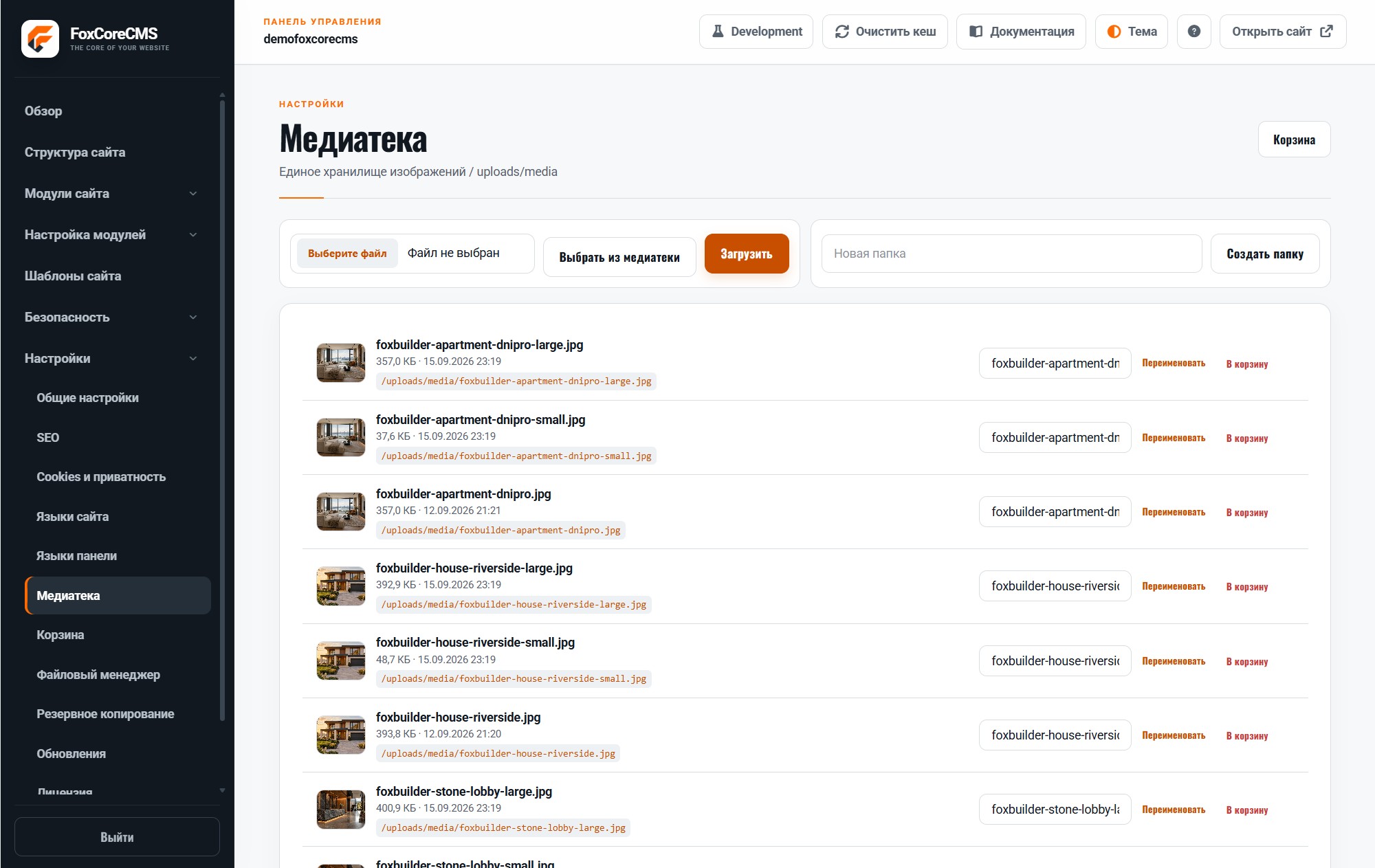
Developers control markup, styles, and module integration. Editors update text, images, menus, and blog posts in the admin panel without touching source code. A module can be used in several places with separate content.
Fits different projects
Build a company website, portfolio, blog, services site, or multilingual project. Custom workflows can use your own templates and modules: FoxCoreCMS provides a foundation without locking design into one visual builder.
An admin panel for everyday work
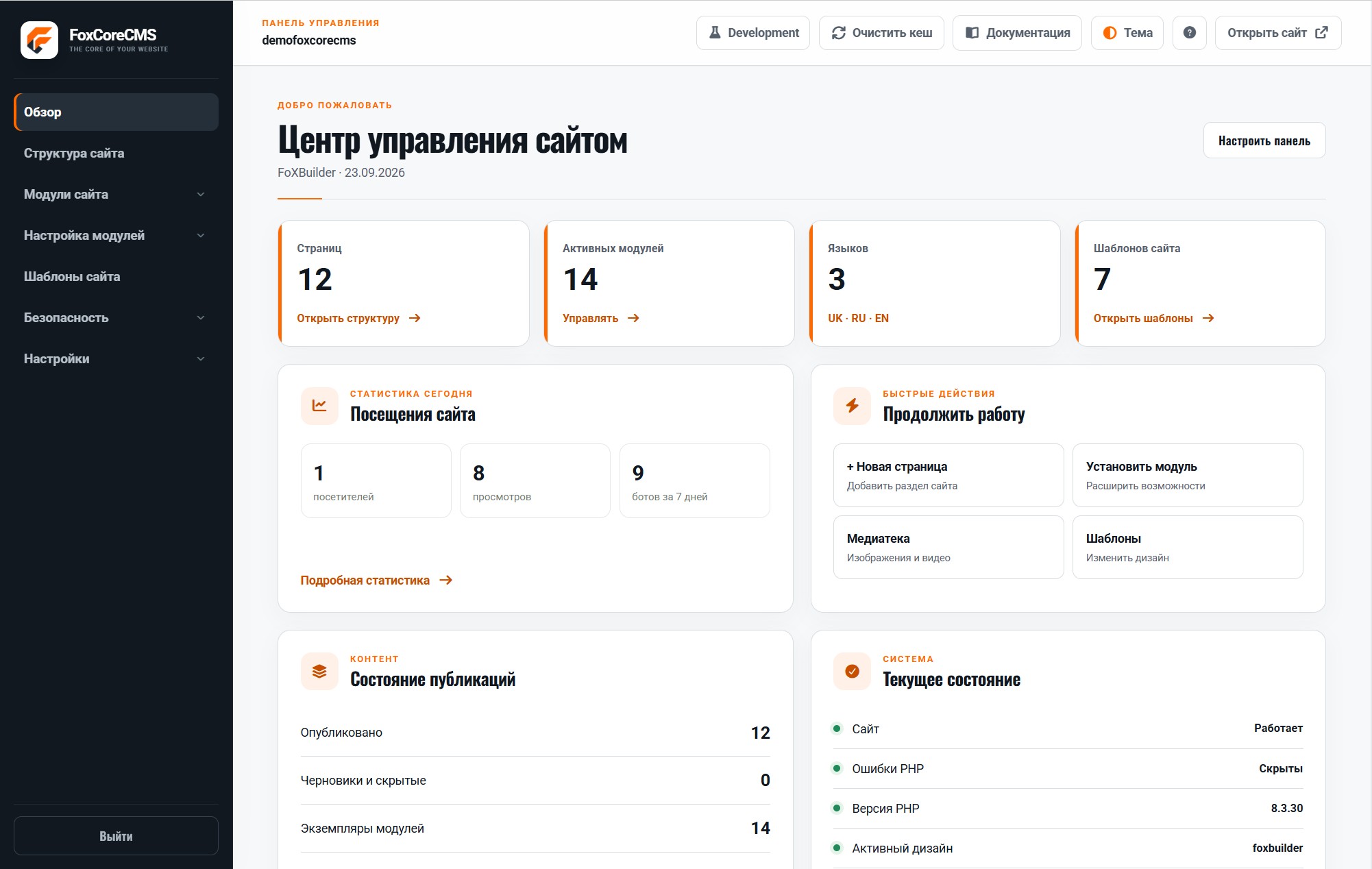
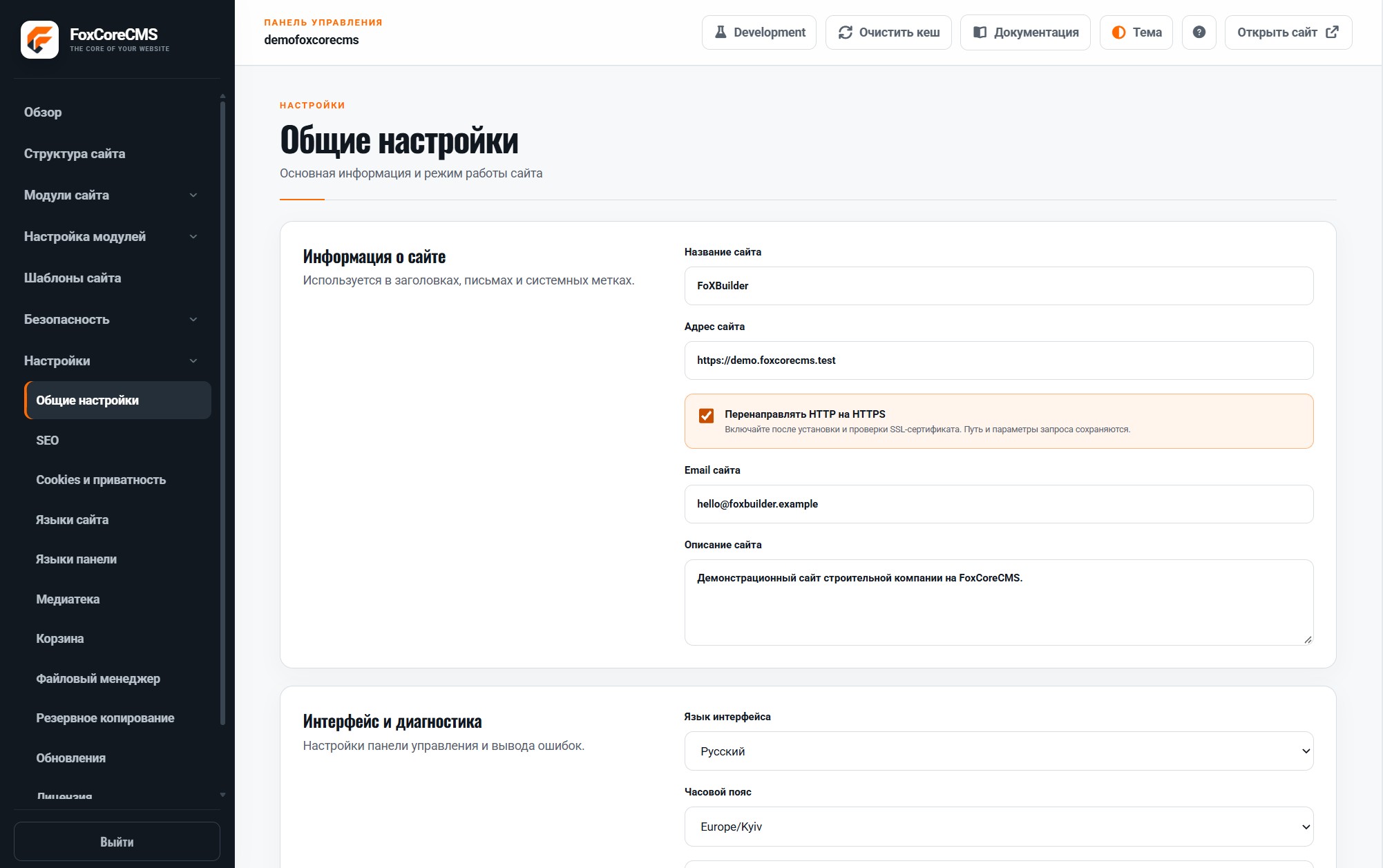
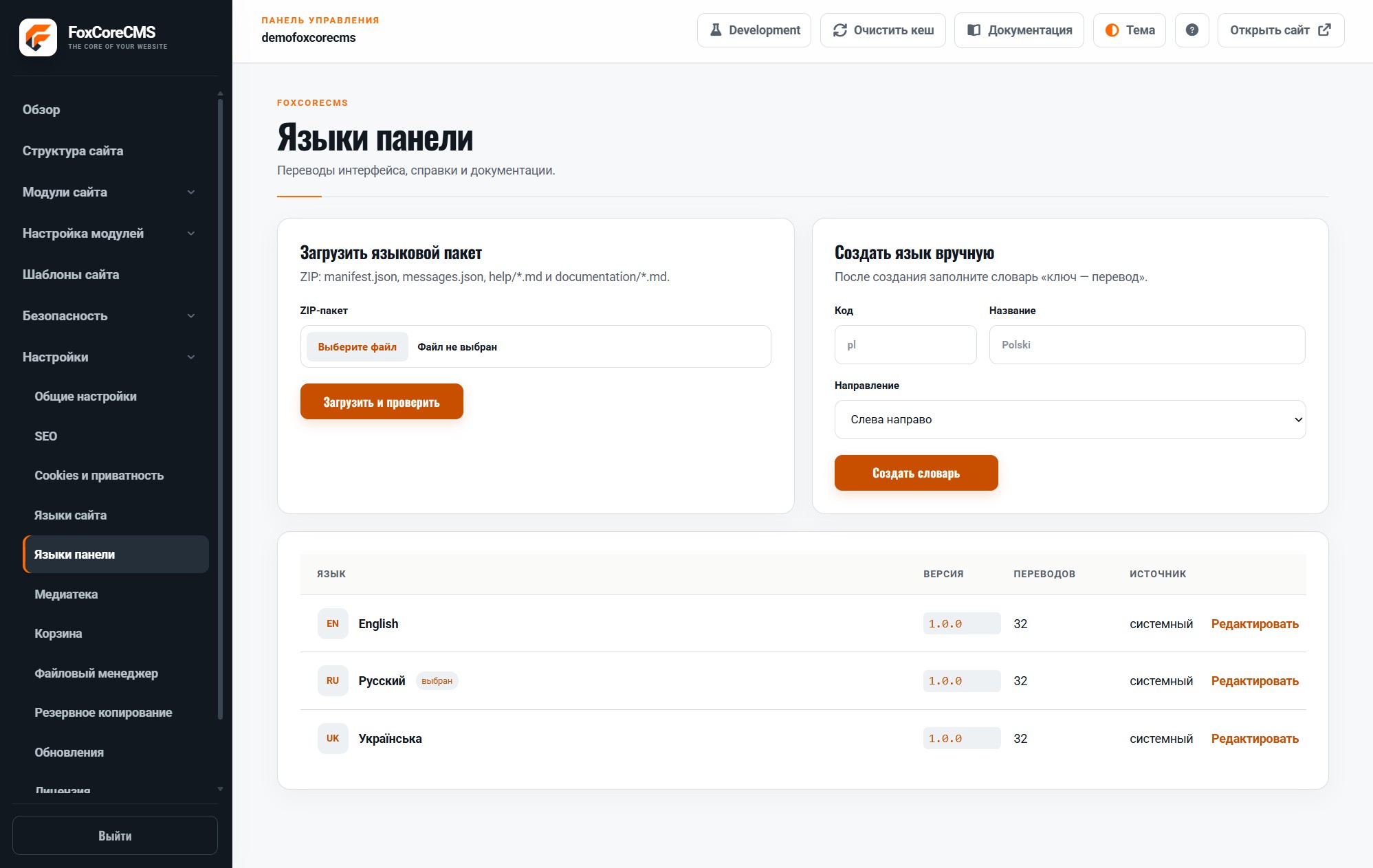
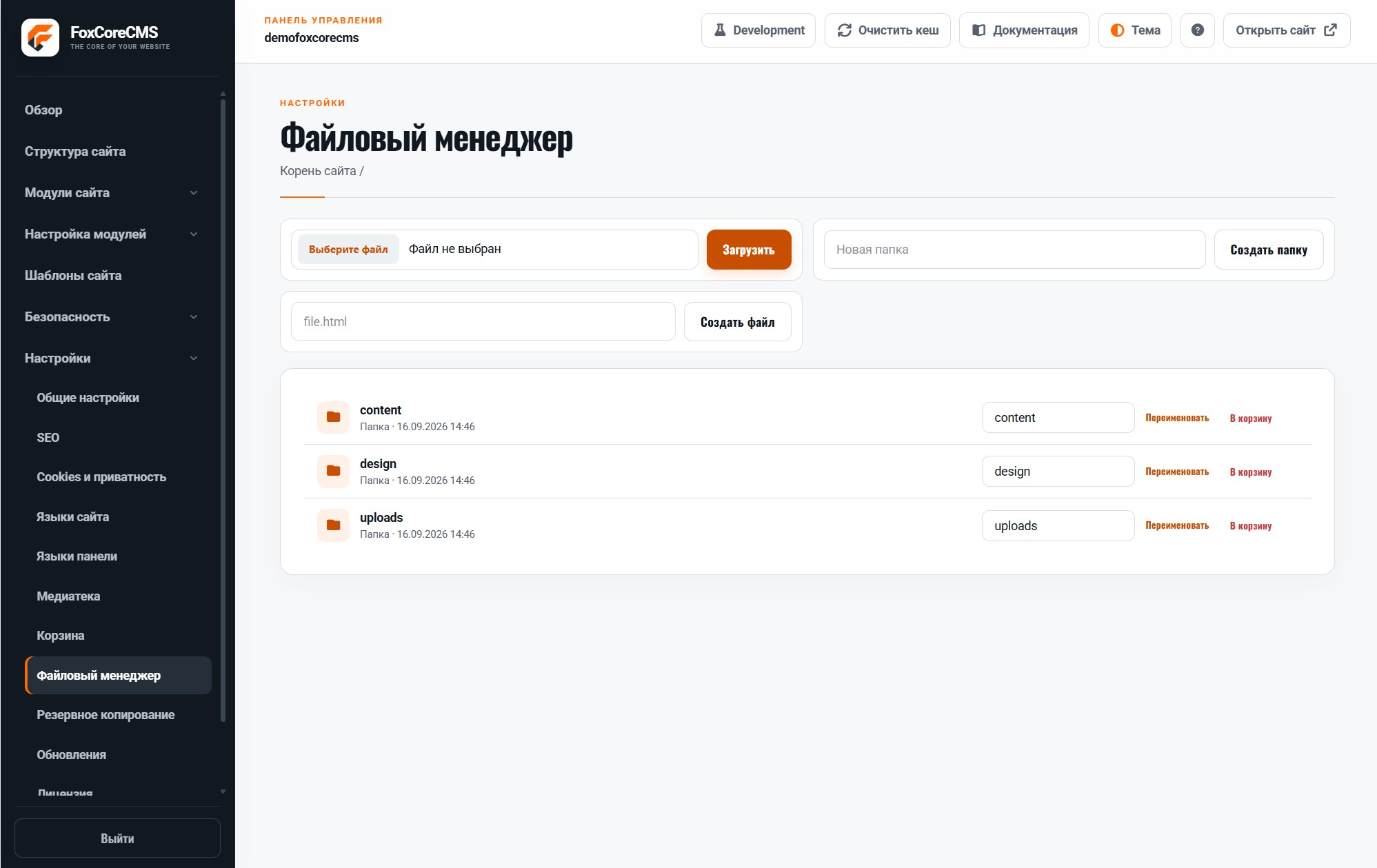
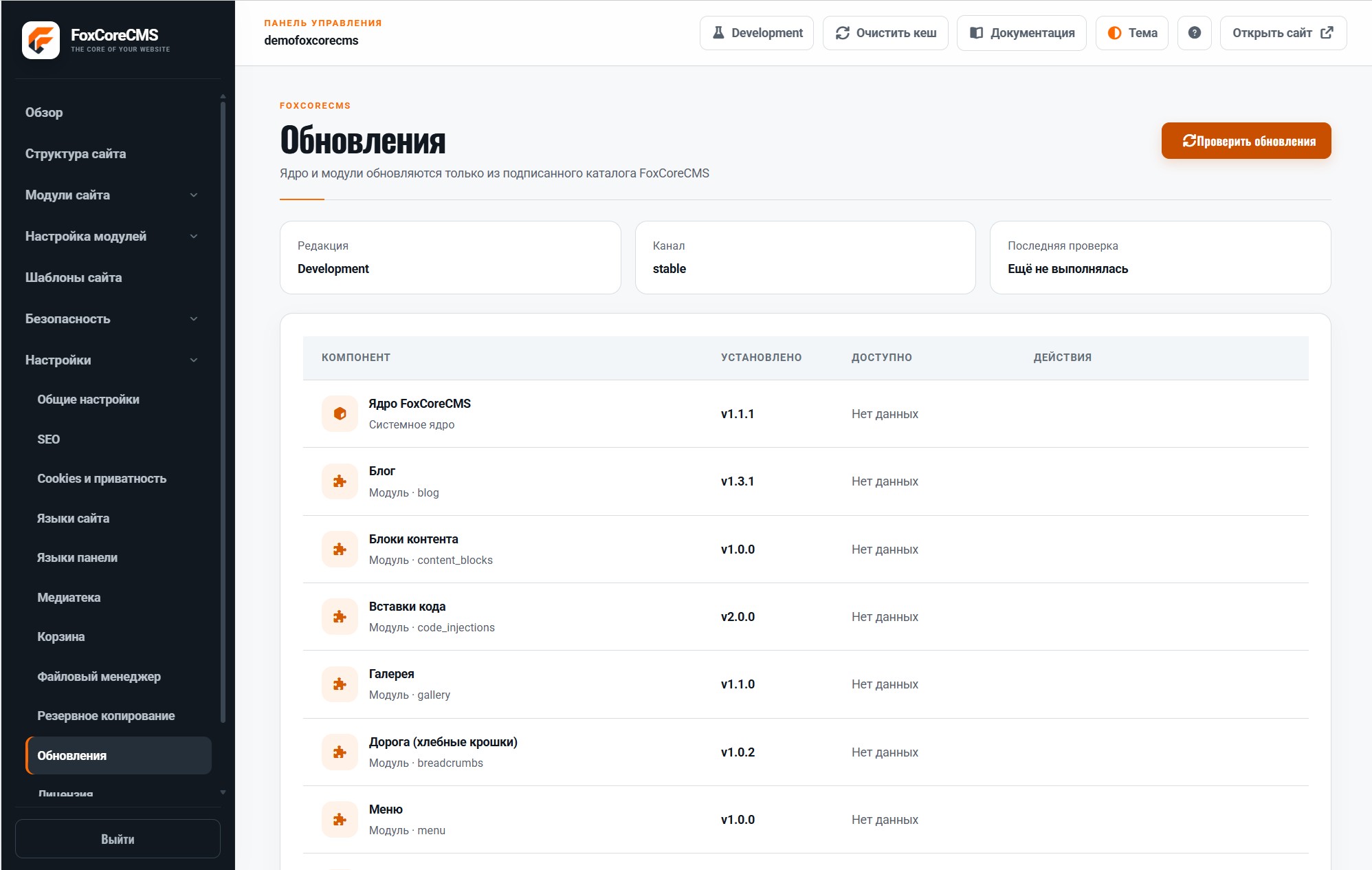
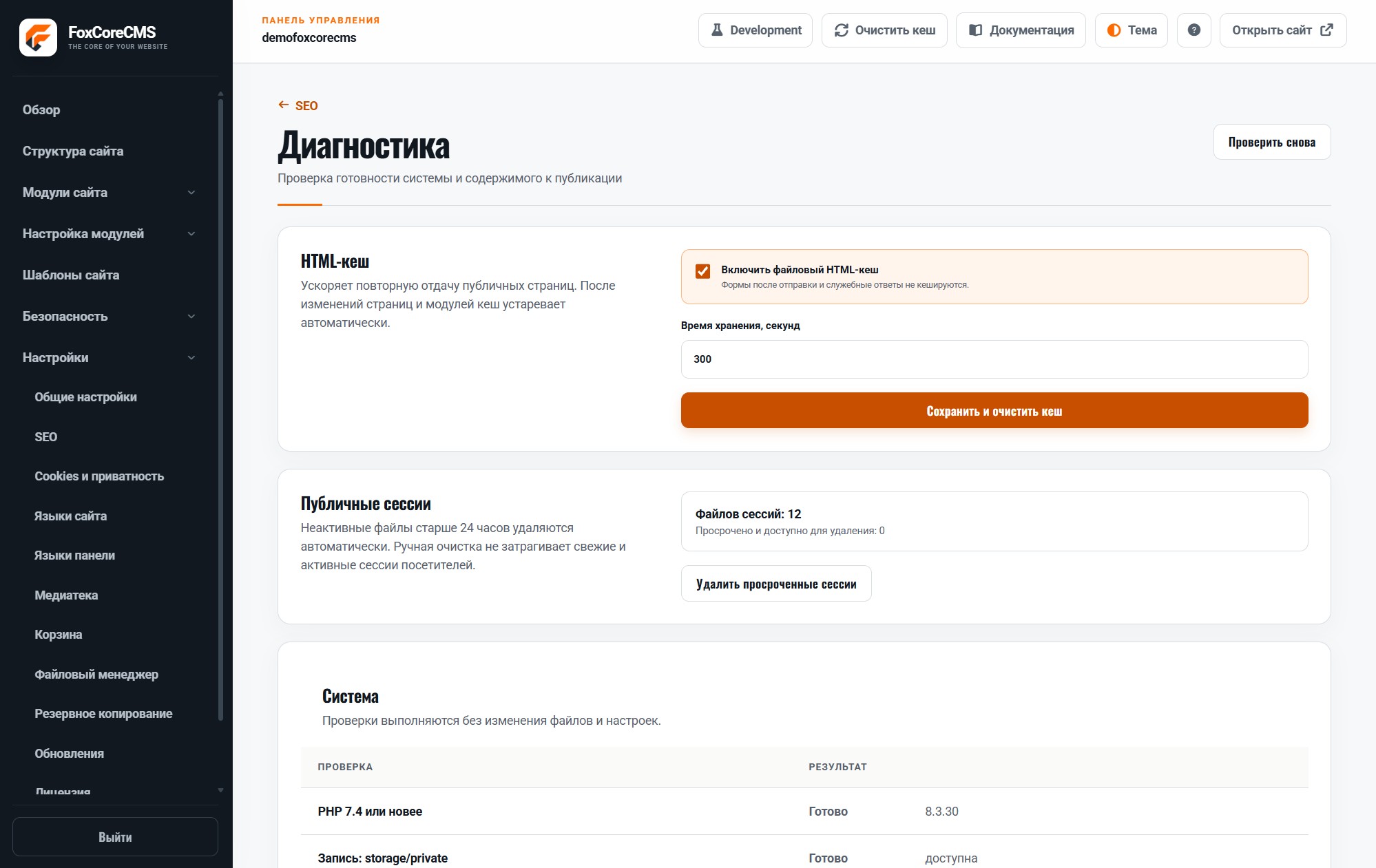
The control panel adapts to a phone screen, so you can review the structure, correct a paragraph, or replace an image away from your desk. Light and dark themes let you choose a comfortable interface. Design and module setup stay separate from everyday content editing.
How a template connects the pieces
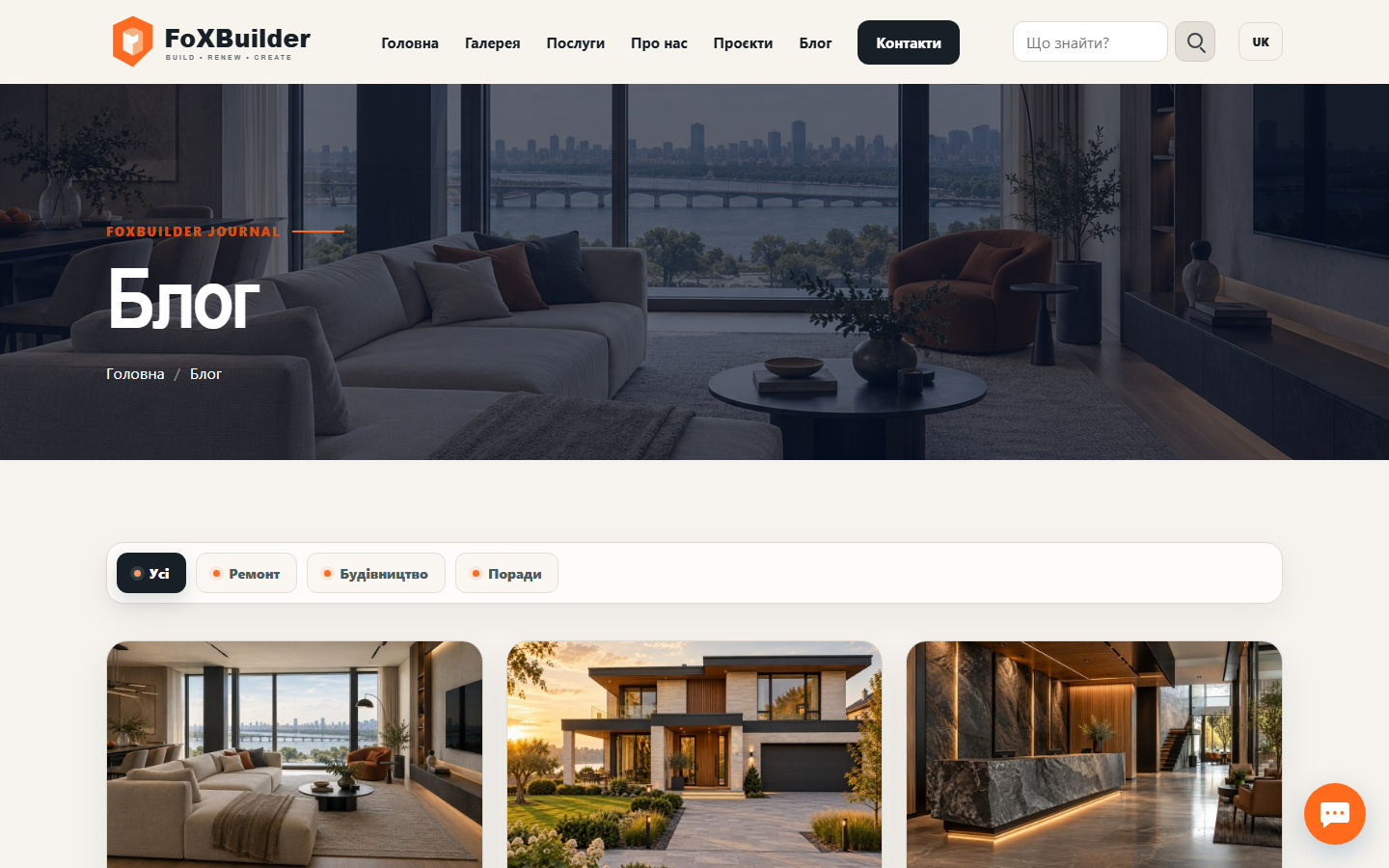
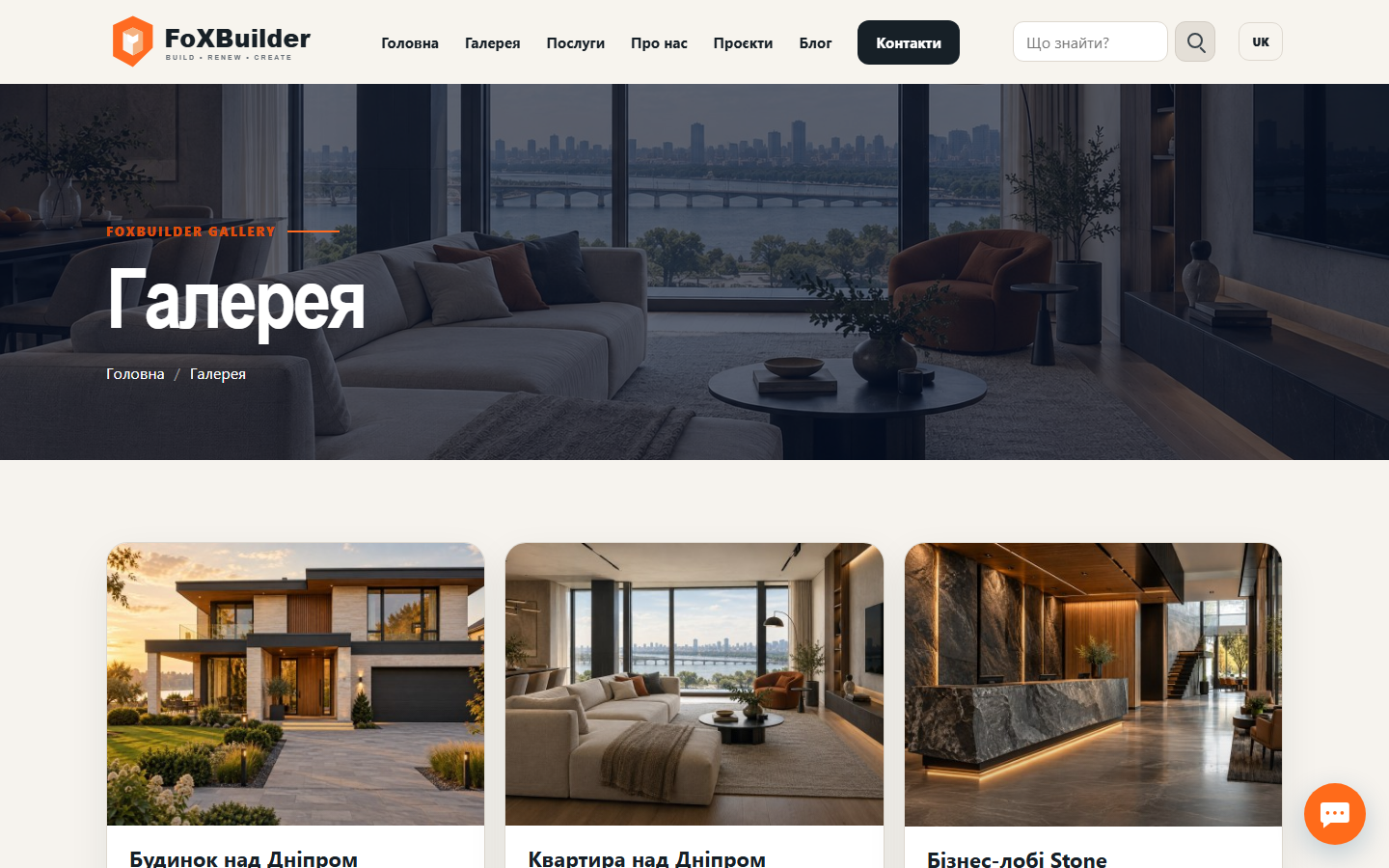
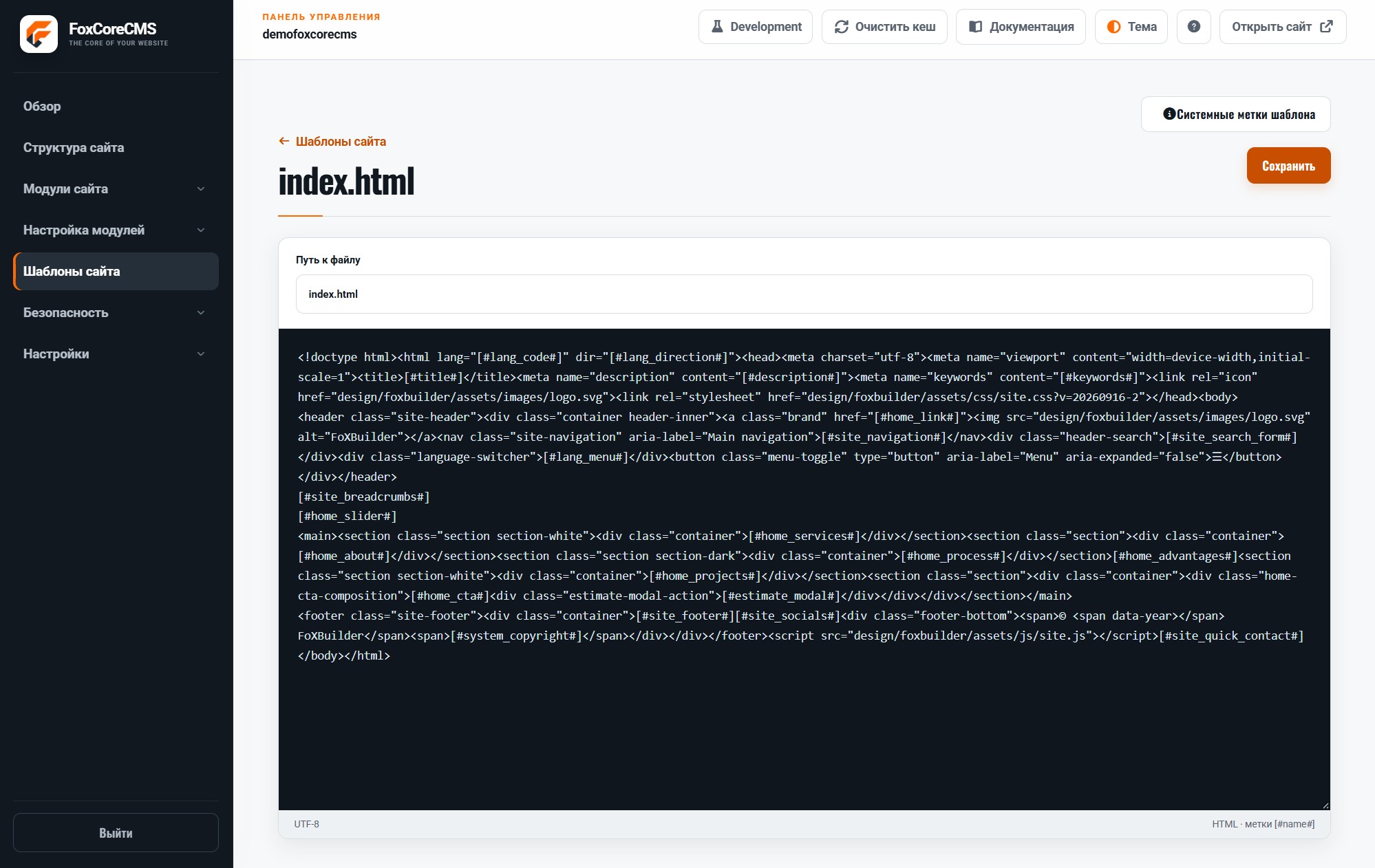
The demo site’s HTML template contains placeholders. FoxCoreCMS fills them with navigation, a slider, and a services block. Module instance labels are set during configuration; editors then update content in the admin panel without opening this file.
<nav>[#site_navigation#]</nav>
<main>
  [#home_slider#]
  <section class="services">[#home_services#]</section>
</main>