

MODULES

Slider

Manage slides with images, headlines, text, and buttons.

Back to modules
Included with the systemNo separate catalog listing at present
FoxCoreCMS
01 / FOXCORECMS

Overview

What it does

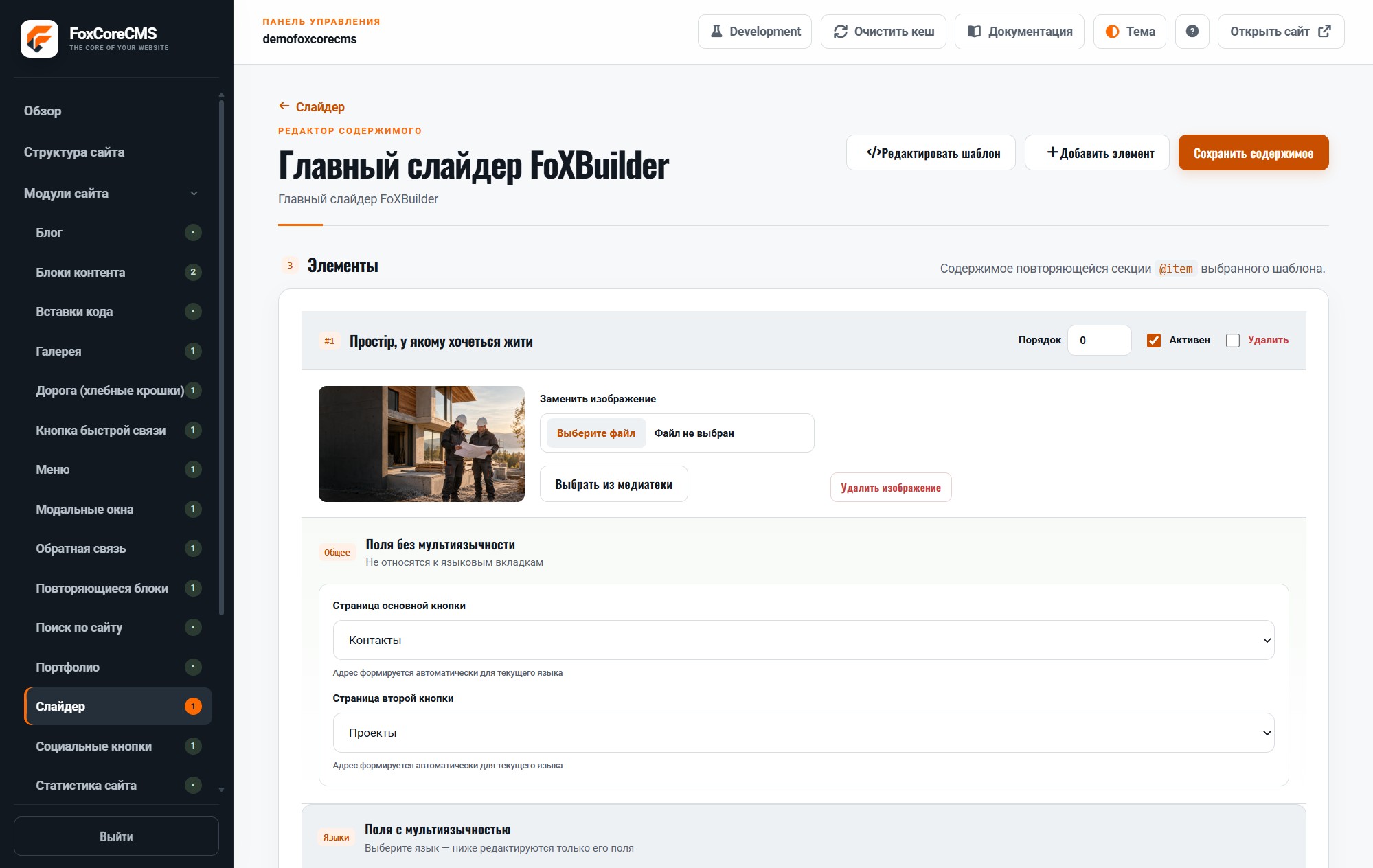
Enable, disable, and reorder slides in the admin panel. The chosen template controls markup, responsiveness, and animation.

Where it helps

Use it for a hero section, promotions, or featured pages without hand-editing every slide.

Example from the demo template

This is a real placeholder from the FoXBuilder design. The system fills it with module output or current-page data; configurable instance labels are set in the admin panel.

<section class="hero">[#home_slider#]</section>

02 / FOXCORECMS

Where it helps

Home-page hero, featured offers, and editable visual highlights.

03 / FOXBUILDER

FoXBuilder demo example

The top of the FoXBuilder home page uses editable slides with media, copy, and links.

How to build it

  1. Create a module instance and choose its HTML template.
  2. Place [#home_slider#] in the page template and bind the instance.
  3. Fill in content in the required languages.
  4. Open the demo page and check the result.

Template code

modules/slider/templates/foxbuilder-home.html

<!-- @wrapper -->
<section class="hero fb-slider">%items%</section>
<!-- @item -->
<article class="fb-slide">
  <img class="hero-media" src="%image_large%" alt="%image_alt%">
  <div class="hero-content"><h1>%heading%</h1><p>%description%</p></div>
</article>

Page-template label

[#home_slider#]