

MODULES

Gallery

Create photo collections from a shared media library and place them on selected pages.

Back to modules
Included with the systemNo separate catalog listing at present
FoxCoreCMS
01 / FOXCORECMS

Overview

What it does

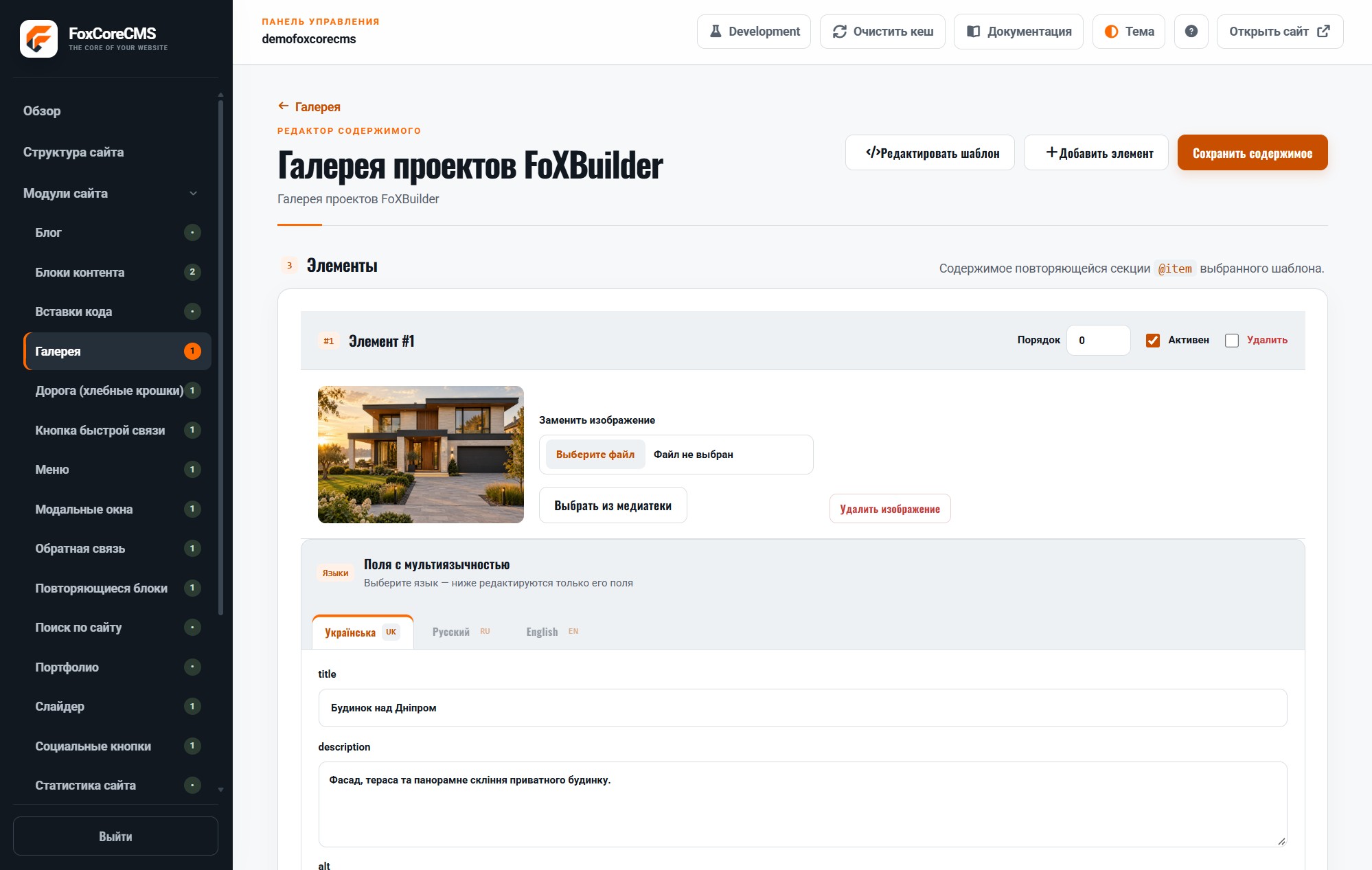
Add images, captions, and alt text, reorder them, and keep separate galleries for different sections.

Where it helps

Useful for projects, events, products, and work samples. Your gallery template defines the large-image viewing experience.

Example from the demo template

This is a real placeholder from the FoXBuilder design. The system fills it with module output or current-page data; configurable instance labels are set in the admin panel.

<main>[#portfolio_gallery#]</main>

02 / FOXCORECMS

Where it helps

Photos of projects, products, and events managed in one media library.

03 / FOXBUILDER

FoXBuilder demo example

The FoXBuilder gallery displays project photos on a dedicated page.

How to build it

  1. Create a module instance and choose its HTML template.
  2. Place [#portfolio_gallery#] in the page template and bind the instance.
  3. Fill in content in the required languages.
  4. Open the demo page and check the result.

Template code

modules/gallery/templates/foxbuilder.html

<!-- @wrapper -->
<section class="foxbuilder-gallery" data-fox-gallery>
  <div class="foxbuilder-gallery__grid" style="--gallery-gap:%gap%px">%items%</div>
</section>

Page-template label

[#portfolio_gallery#]