

MODULES

Breadcrumbs

Show visitors the path from the home page to the current page.

Back to modules
Included with the systemNo separate catalog listing at present
FoxCoreCMS
01 / FOXCORECMS

Overview

What it does

The navigation trail follows the page hierarchy and links back to parent sections.

Where it helps

Especially useful for sites with nested services, articles, and projects.

Example from the demo template

This is a real placeholder from the FoXBuilder design. The system fills it with module output or current-page data; configurable instance labels are set in the admin panel.

<div class="breadcrumbs">[#site_breadcrumbs#]</div>

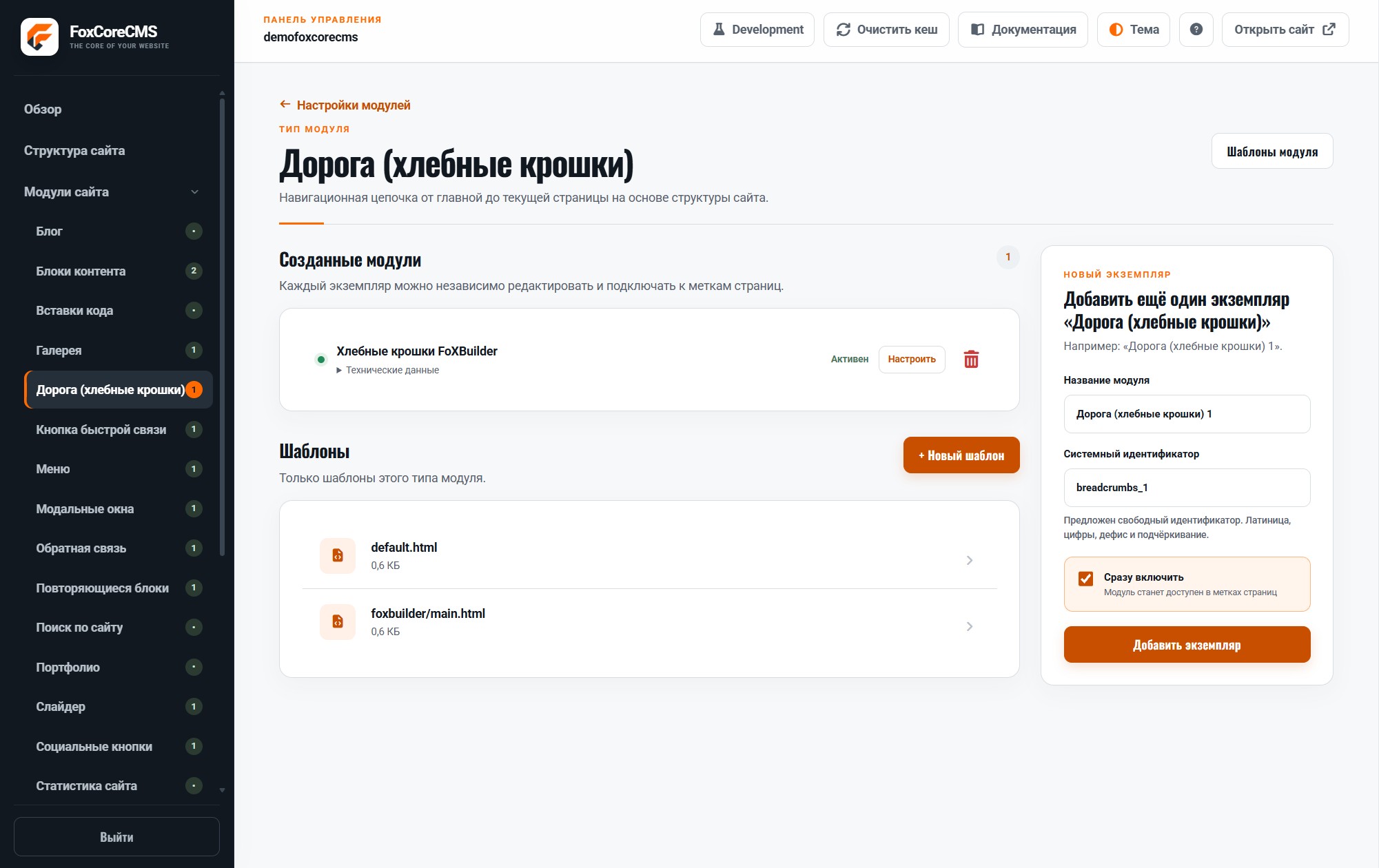
02 / FOXCORECMS

Where it helps

Deep page hierarchies where visitors need a clear route back.

03 / FOXBUILDER

FoXBuilder demo example

On inner FoXBuilder pages, the trail shows the path from home to the current page.

How to build it

  1. Create a module instance and choose its HTML template.
  2. Place [#site_breadcrumbs#] in the page template and bind the instance.
  3. Fill in content in the required languages.
  4. Open the demo page and check the result.

Template code

modules/breadcrumbs/templates/foxbuilder/main.html

<!-- @begin -->
<nav class="breadcrumbs"><ol>
<!-- @link -->
<li><a href="%link%">%text%</a></li>
<!-- @activelink -->
<li aria-current="page">%text%</li>
<!-- @end -->
</ol></nav>

Page-template label

[#site_breadcrumbs#]