

MODULES

Social buttons

Add links to social platforms and messengers in the header, footer, or contact area.

Back to modules
Included with the systemNo separate catalog listing at present
FoxCoreCMS
01 / FOXCORECMS

Overview

What it does

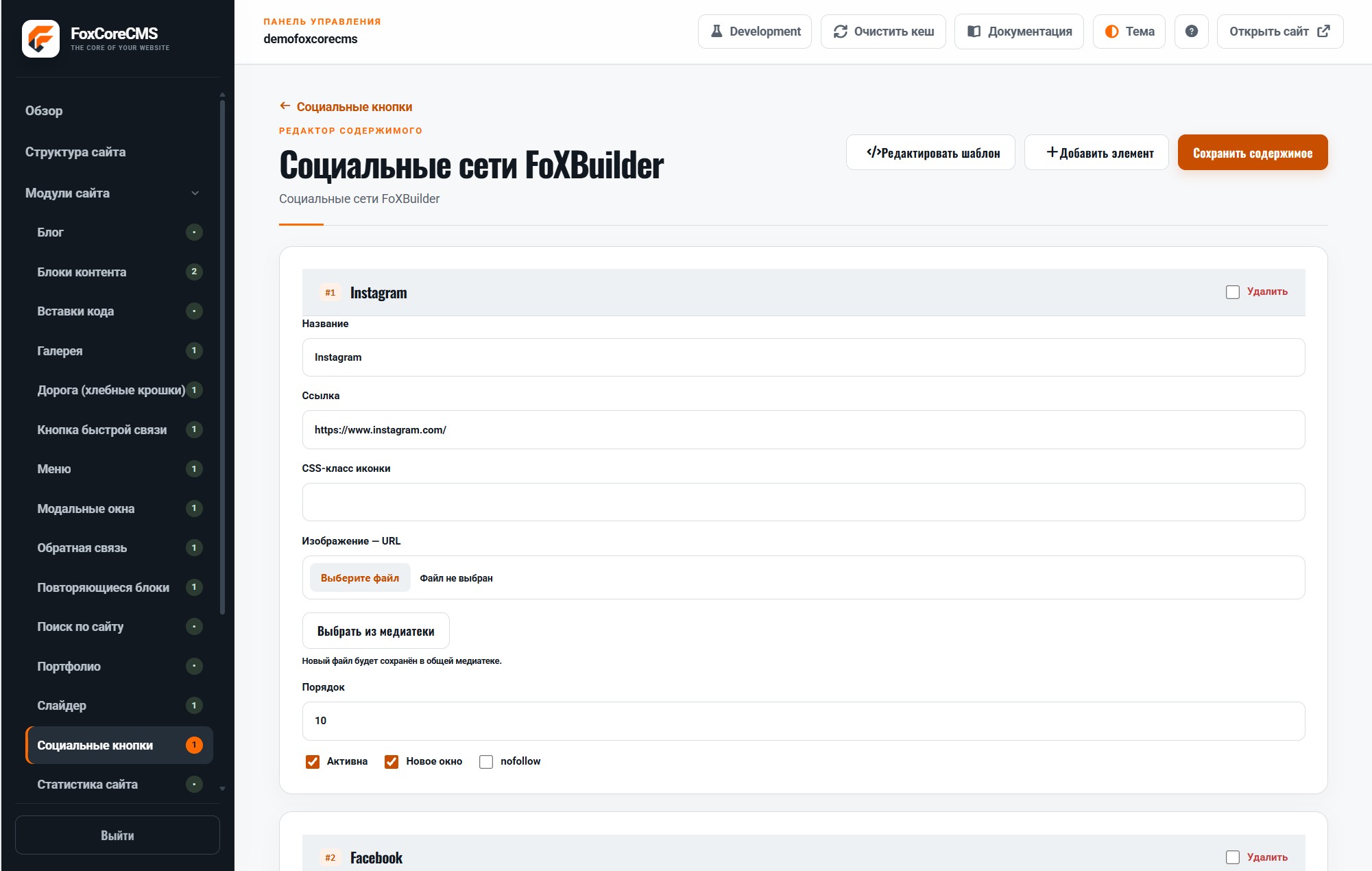
Set each button’s name, destination, icon or image, order, and opening behavior.

Where it helps

Keep destinations in one manageable list rather than searching through templates when a URL changes.

Example from the demo template

This is a real placeholder from the FoXBuilder design. The system fills it with module output or current-page data; configurable instance labels are set in the admin panel.

<footer>[#site_socials#]</footer>
02 / FOXCORECMS

Where it helps

Facebook, TikTok, and other channels updated without editing templates.

03 / FOXBUILDER

FoXBuilder demo example

FoXBuilder places social links in the site footer.

How to build it

  1. Create a module instance and choose its HTML template.
  2. Place [#site_socials#] in the page template and bind the instance.
  3. Fill in content in the required languages.
  4. Open the demo page and check the result.

Template code

modules/social_buttons/templates/foxbuilder/footer.html

<!-- @wrapper -->
<nav class="social-buttons foxbuilder-socials" aria-label="%aria_label%">%items%</nav>
<!-- @item -->
<a class="social-button social-button--%network%" href="%url%" %target% %rel% aria-label="%title%">%media%</a>

Page-template label

[#site_socials#]