

MODULES

Repeating blocks

Build ordered lists of similar content items.

Back to modules
Included with the systemNo separate catalog listing at present
FoxCoreCMS
01 / FOXCORECMS

Overview

What it does

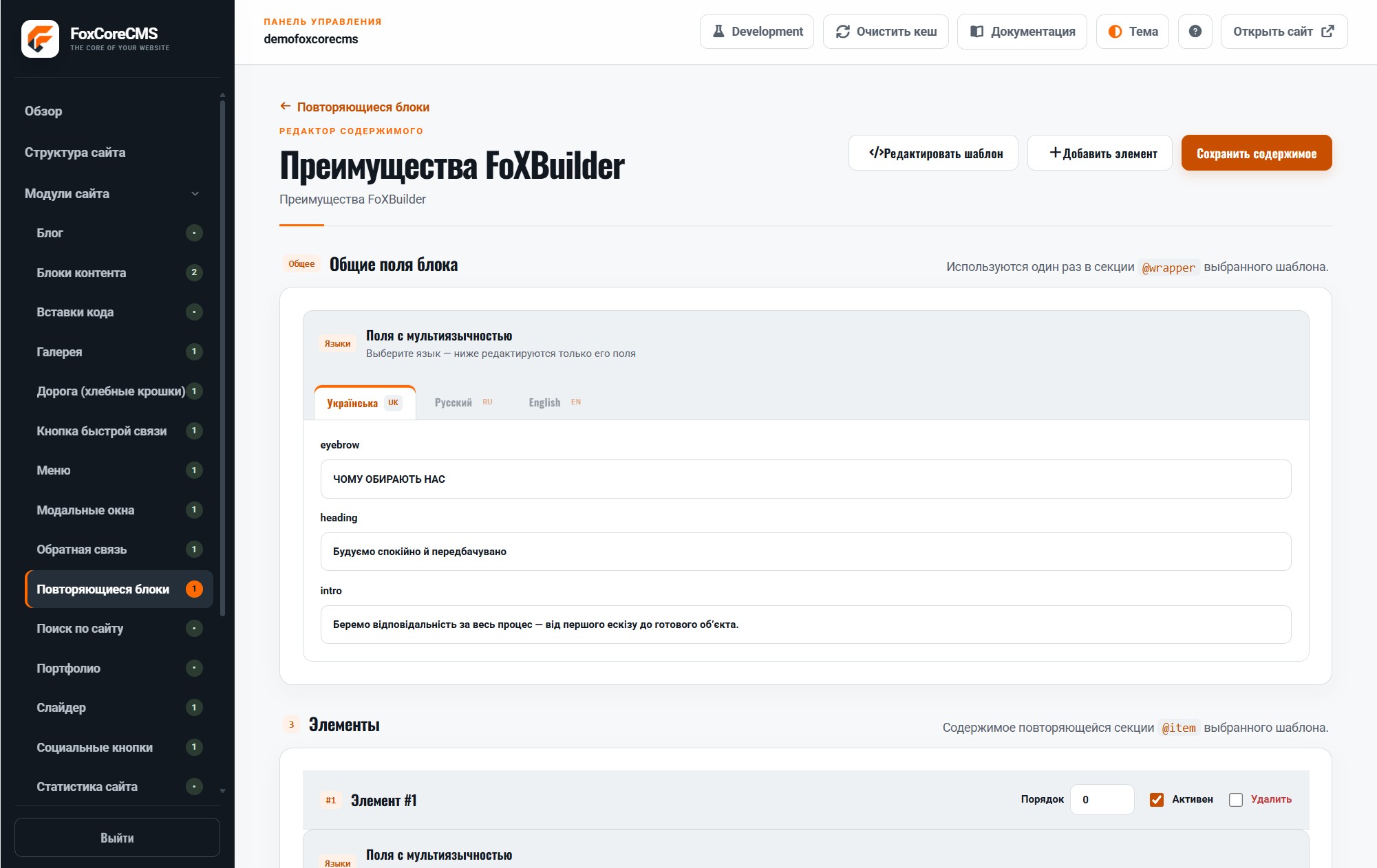
Benefits, process steps, FAQs, and team cards can live as individual entries instead of one long HTML fragment.

Where it helps

Editors add or reorder a card while the template keeps its appearance consistent.

Example from the demo template

This is a real placeholder from the FoXBuilder design. The system fills it with module output or current-page data; configurable instance labels are set in the admin panel.

<section>[#home_advantages#]</section>
02 / FOXCORECMS

Where it helps

Benefits, process steps, pricing, team members, and FAQs with a consistent field set.

03 / FOXBUILDER

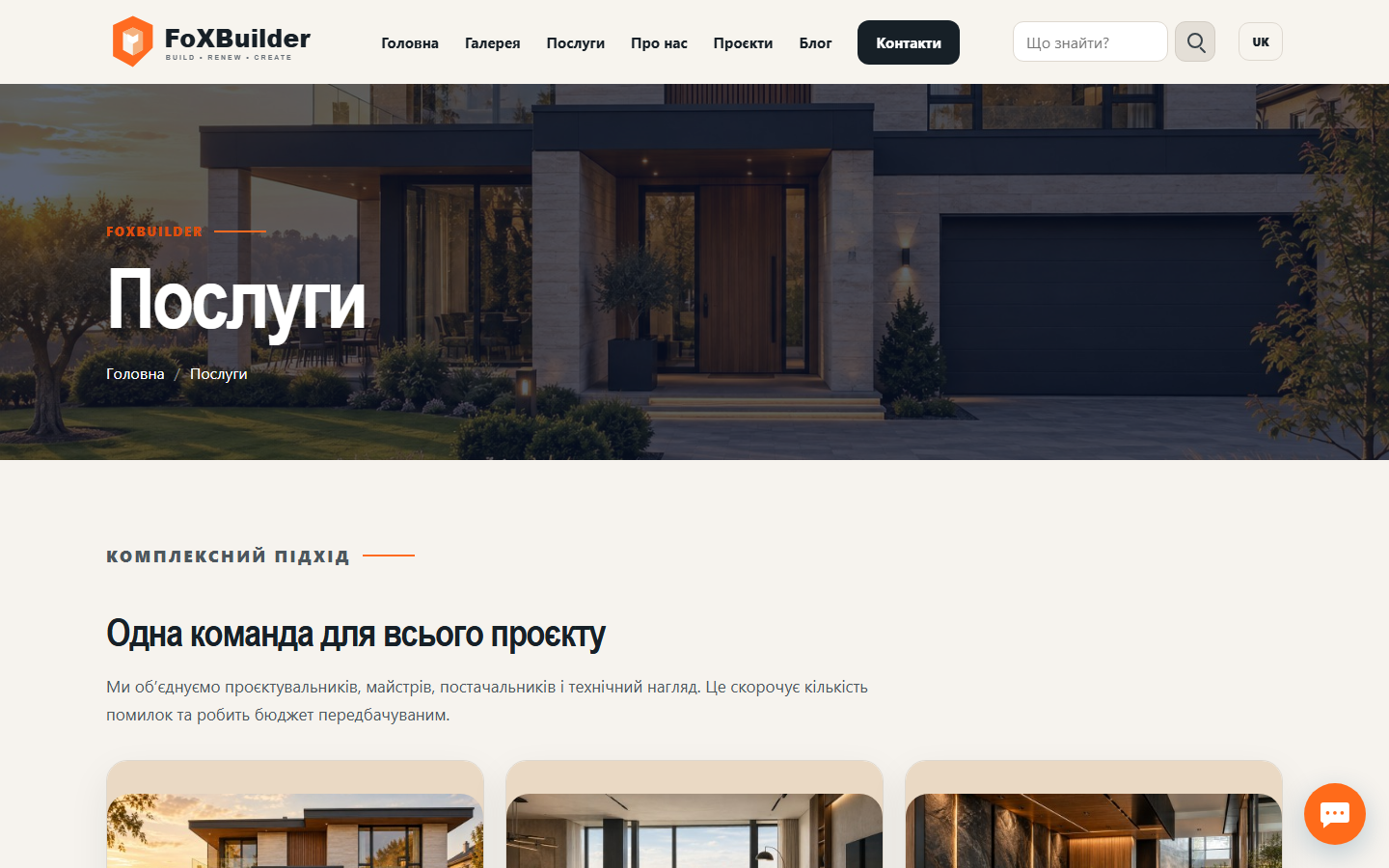
FoXBuilder demo example

The FoXBuilder home-page benefits section: a shared heading and intro with ordered cards.

How to build it

  1. Create a module wrapper template with @wrapper and an @item block template.
  2. Map %heading%, %intro%, %items%, %number%, %title%, and %text% labels to editor fields.
  3. Select this template in the Repeating blocks instance settings.
  4. Add benefit cards, set their order, and fill in translations.
  5. Bind the instance to [#home_advantages#] and check the demo site.

Template code

modules/repeating_blocks/templates/foxbuilder/advantages.html

<!-- @wrapper -->
<section class="fb-advantages">
  <div class="container">
    <h2>%heading%</h2>
    <p>%intro%</p>
    <div class="fb-advantages__grid">%items%</div>
  </div>
</section>
<!-- @item -->
<article class="fb-advantage">
  <span>%number%</span>
  <h3>%title%</h3>
  <p>%text%</p>
</article>

Page-template label

[#home_advantages#]